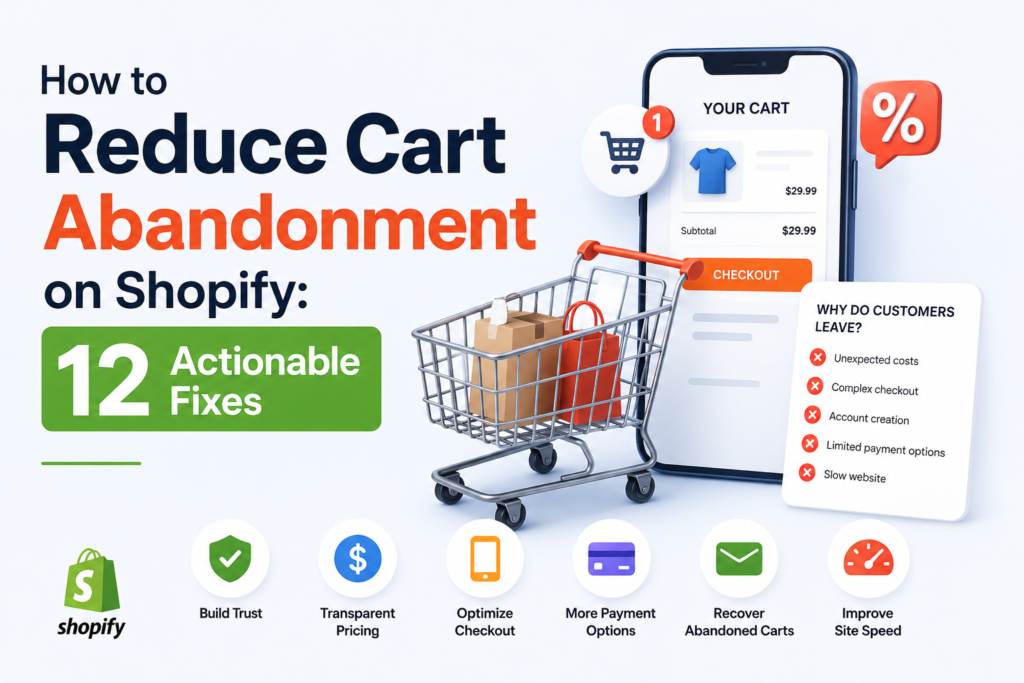
The average online store loses roughly 70% of its carts before checkout is complete. On Shopify, that means the traffic you’re paying for is filling carts and then walking away. The good news: most abandonment comes from a handful of fixable friction points. Below are specific changes you can make today to recover more of those lost sales.
Understand Why Shoppers Abandon
Before you fix anything, know the usual culprits. Repeated research points to the same reasons:
- Unexpected costs (shipping, taxes, fees) revealed at checkout
- Being forced to create an account
- A slow or confusing checkout process
- Concerns about payment security
- Limited payment or shipping options
- Comparison shopping (they were never ready to buy)
You can’t eliminate every abandoned cart, but you can remove the friction that pushes ready-to-buy customers away.
1. Show Shipping Costs Early
Surprise shipping fees are the number one reason people bail. Don’t wait until checkout to reveal them. Add a shipping calculator or estimate on the cart page, display a free-shipping threshold in your header, or offer flat-rate shipping so there are no surprises. If your margins allow, free shipping over a set order value is one of the most reliable abandonment reducers.
2. Enable Guest Checkout
Forcing account creation kills conversions. In your Shopify admin, go to Settings > Checkout and set customer accounts to “Accounts are optional.” Let people buy first, then invite them to save their details afterward.
3. Turn On Shopify’s Abandoned Cart Emails
Shopify has built-in abandoned checkout recovery. Under Settings > Checkout > Abandoned checkouts, enable automatic emails. Better yet, build a sequence in Shopify Email or Klaviyo:
- Email 1 (1 hour later): A simple reminder with the cart contents and a clear button back to checkout.
- Email 2 (24 hours later): Add social proof or answer common objections like shipping and returns.
- Email 3 (48–72 hours later): Introduce a small incentive such as free shipping or 10% off.
Hold your discount until the last email so you don’t train customers to abandon on purpose.
4. Add Multiple Payment Options
The more ways people can pay, the fewer excuses to leave. Enable Shop Pay, Apple Pay, Google Pay, and PayPal. Shop Pay’s accelerated checkout alone can significantly lift conversion for returning shoppers because it autofills their details. If your average order value is higher, adding a buy-now-pay-later option like Shop Pay Installments or Afterpay can recover price-sensitive buyers.
5. Use One-Page or Accelerated Checkout
Every extra step is a chance to lose someone. Shopify’s one-page checkout consolidates the process, and accelerated checkout buttons let repeat customers skip form-filling entirely. Make sure these buttons appear on both product and cart pages so customers can jump straight to purchase.
6. Display Trust Signals at Checkout
Payment security worries are real, especially for first-time buyers. Reassure them with:
- Secure payment badges near the checkout button
- A visible, clear return and refund policy
- Customer reviews or star ratings on product and cart pages
- A trust seal or money-back guarantee statement
7. Speed Up Your Store
A slow site loses customers before they ever reach the cart. Run your store through Shopify’s built-in speed report and Google PageSpeed Insights. Compress images, remove unused apps that inject scripts, and choose a lightweight, well-coded theme. Even a one-second delay can measurably reduce conversions on mobile.
8. Optimize for Mobile
More than half of ecommerce traffic is mobile, yet mobile abandonment is typically higher than desktop. Test your entire checkout on a phone. Are buttons large enough to tap? Do forms use the correct keyboard (numeric for phone numbers)? Is the cart easy to edit? Fix anything that requires zooming or awkward scrolling.
9. Add an Exit-Intent Offer
When a shopper moves to close the tab, an exit-intent popup can catch them with a reason to stay: a small discount, free shipping, or a reminder that their cart is saved. Use this sparingly and don’t hit every visitor with it, or you’ll erode margins and annoy people.
10. Show a Persistent, Editable Cart
Let customers see and adjust their cart without leaving the page. A slide-out cart drawer that shows quantities, subtotals, and progress toward free shipping keeps buyers confident about what they’re purchasing. Confusion about cart contents is a quiet abandonment driver.
11. Be Upfront About Delivery Times
“When will I get it?” is a top question. Display estimated delivery dates on product and checkout pages. Clear expectations reduce hesitation and cut down on both abandonment and post-purchase support tickets.
12. Retarget Abandoners with Ads
Email only reaches people who entered their address. Retargeting ads on Meta and Google can reach the rest. Set up dynamic product ads that show the exact items a shopper left behind. Combine this with your email sequence for a multi-channel recovery approach.
Measure and Iterate
Don’t guess which fixes work. Watch your Shopify analytics for cart-to-checkout and checkout-to-purchase conversion rates. Change one thing at a time so you can attribute the impact. Recovered-revenue reports from your email tool will show exactly how much your abandonment flows earn.
Start with the highest-impact, lowest-effort wins: enable guest checkout, turn on abandoned cart emails, and surface shipping costs early. These three alone can recover a meaningful chunk of lost sales this week, and everything else compounds from there.